
Best practice for presenters
This collection refers to the content of our KINETARIUM Shows & Games and will be continuously expanded. We regularly inform licensees about news.
We’re happy to help with any questions or technical problems! Just contact us at mail@kinetarium.com
Content
General information
Client interface
In the Tutorial you can find detailed instructions for the Kinetarium client software.
Here's a quick note about running a show in front of an audience:
By default, some computer-controlled players (bots) are enabled to get a first impression of the show. These should be switched off when presenting a show in front of an audience (move the slider to the left).
The URL, (e.g. kinetarium.com/stuttgart) that is called up by the visitors in order to participate in the event with their smartphone is saved and is available again the next time the Kinetarium is started.
The Show Controller (see below), which controls the event, has a URL that is regenerated for security reasons each time the Kinetarium is started (kinetarium.com/stuttgart/asdf) and is not saved.
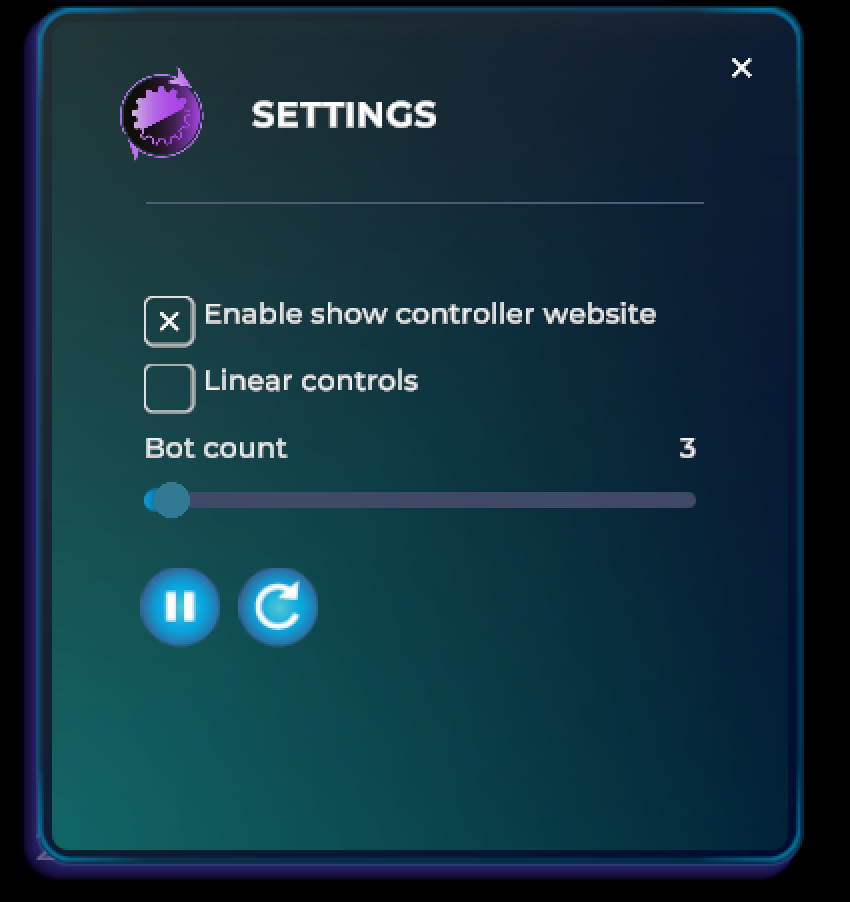
Recommendation before the start of each show
We recommend restarting the Kinetarium after testing and before admitting visitors.
Moderation at the beginning of an event
“This is an interactive event, which means you—the visitors—can participate.
All you need is a smartphone with any Internet browser. No app is necessary. You can simply scan the QR code and you'll automatically land on the controller website, or you can type in the URL that is displayed.
Don't panic, everyone has time to connect!”
Check:
Does everyone have (mobile) internet? Data consumption is very low (about 5 MB / hour).
Does everyone have a charged battery?
Controller website
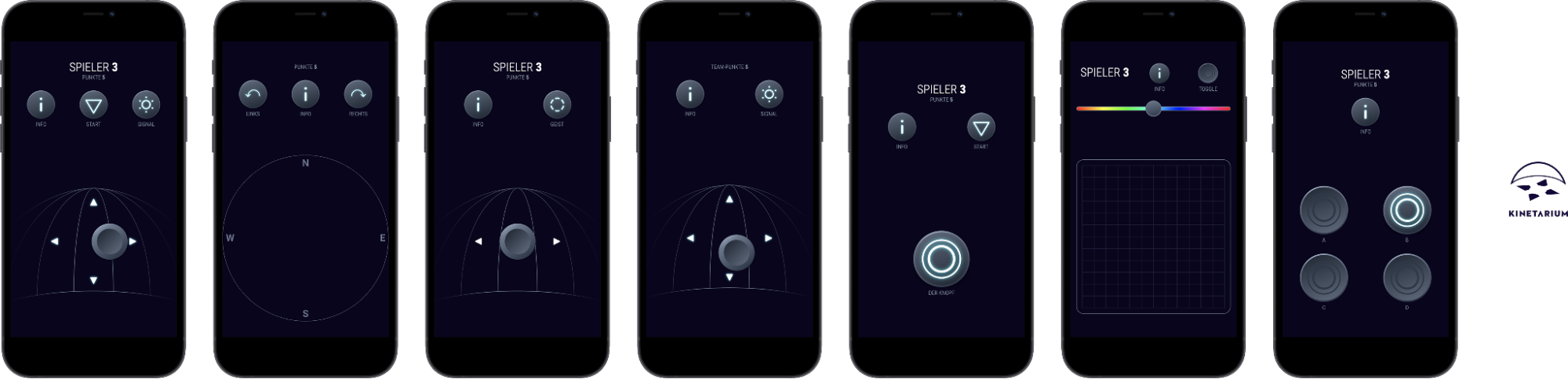
Depending on the selected game or show, the controller interface shows a combination of buttons, joysticks and sliders.
A short tutorial with helpful hints on the controls is displayed before each game or show.
Show Controller
The show controller is a mobile extension of our Kinetarium user interface for flexible control of your show. The operation is quite simple, intuitive and no different than handling an app or website. The tool requires nothing more than a smartphone or tablet, a mobile browser, and a stable and working internet connection.
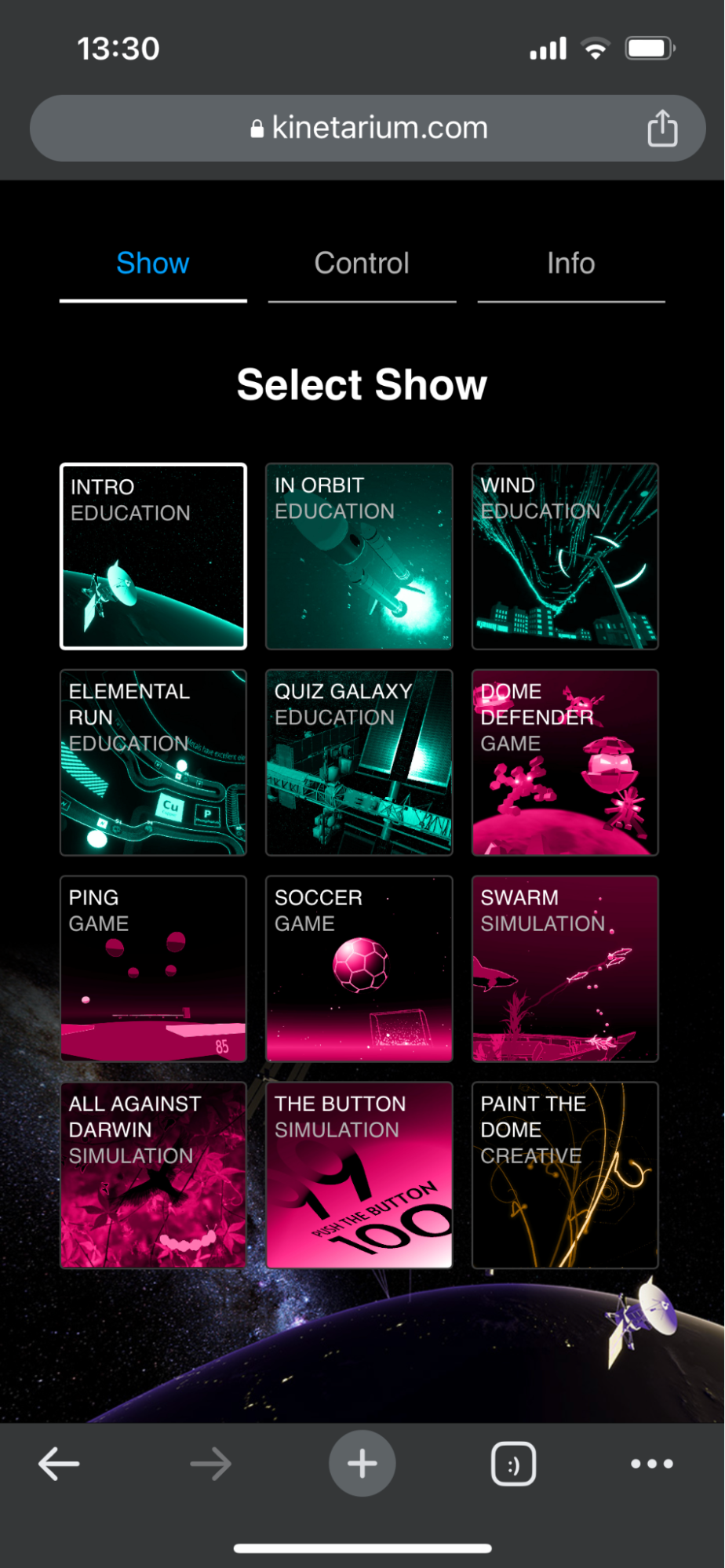
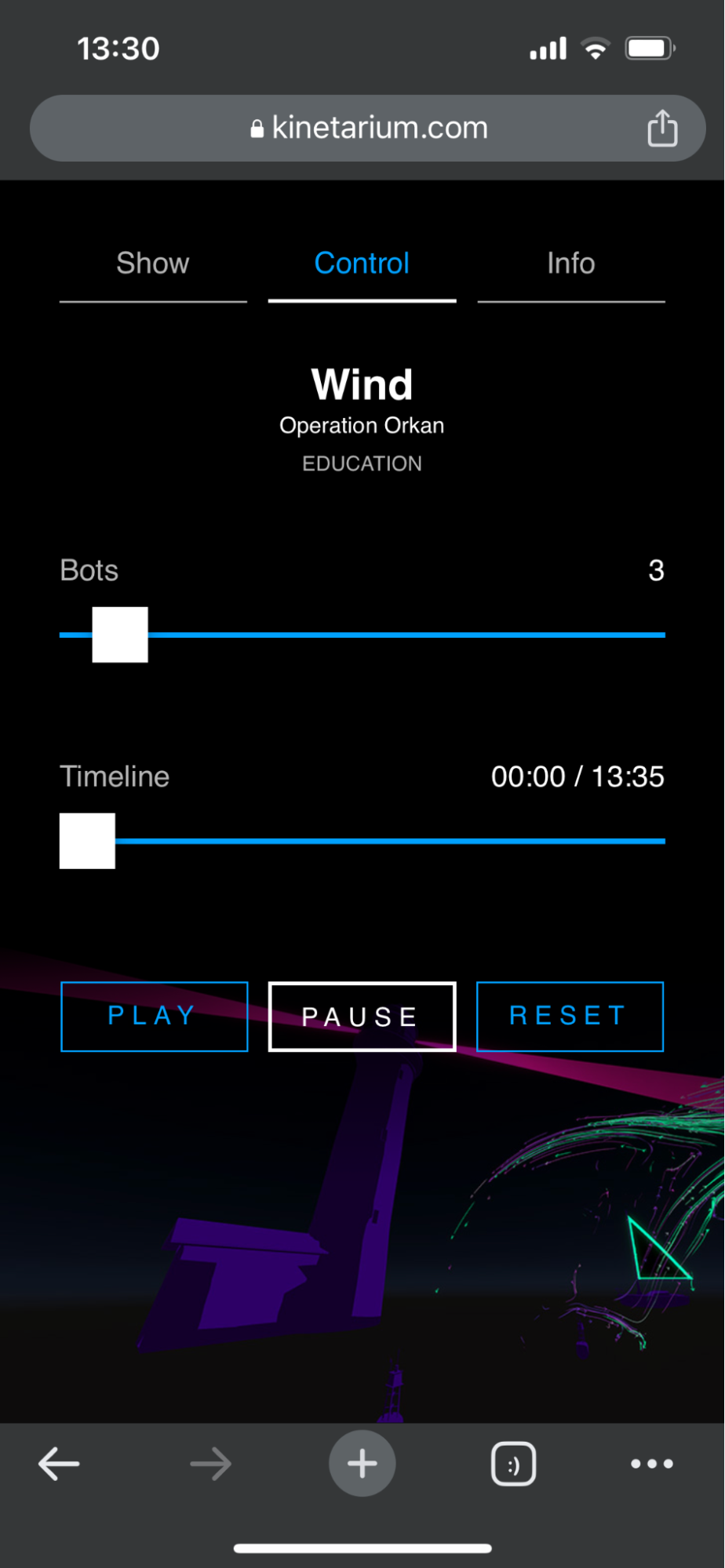
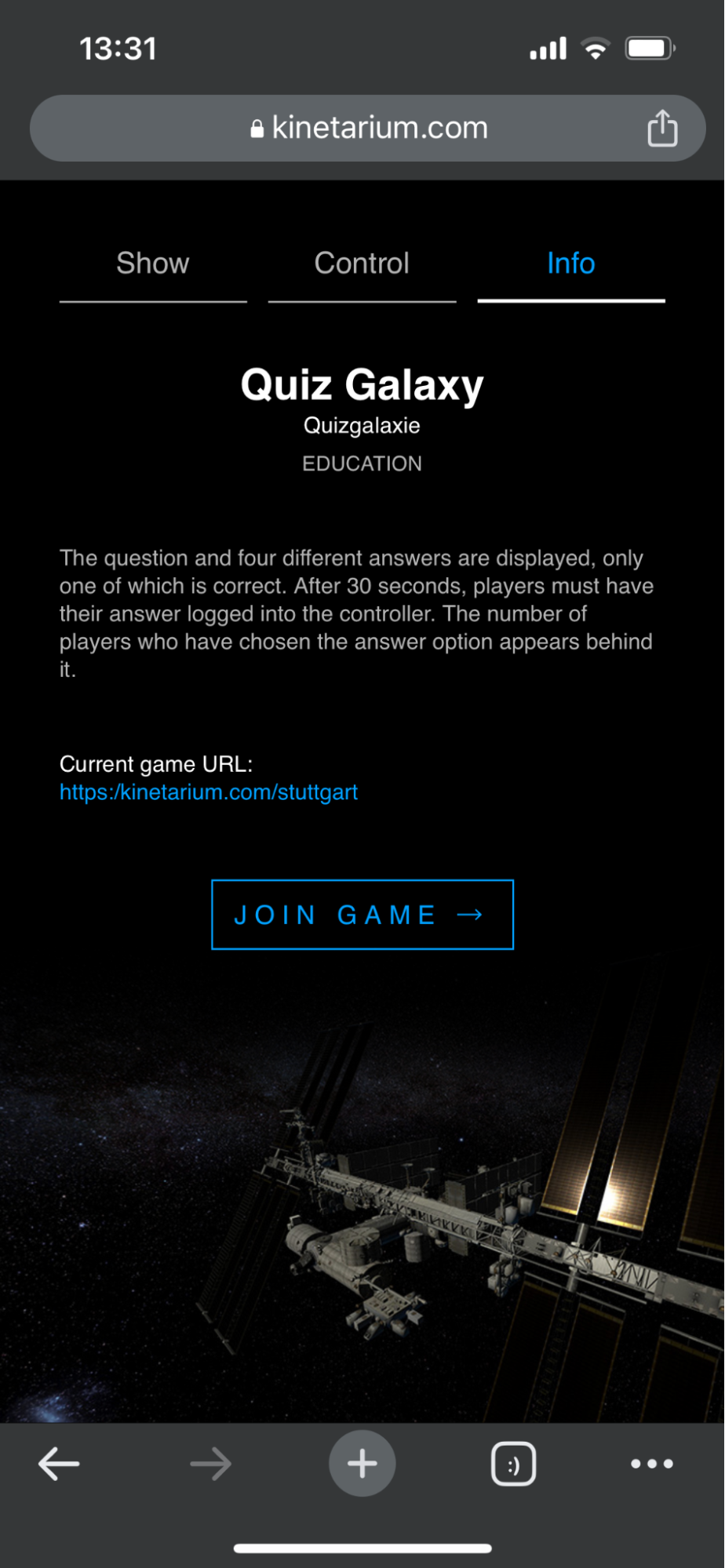
After calling up the show controller via a link or QR code, the individual games/shows can be freely selected, you will receive a short info about the respective controller and a brief description of the selected game. You can activate the QR code simply by checking a box in the Kinetarium user interface.
.png?inst-v=be0124b7-a30c-45bd-bb6f-7b65edbeb851)
Moderation at the end of an event
We welcome feedback on the Kinetarium so that we can continue to develop it. For this purpose, we have built in a feedback questionnaire for visitors in the controller: Click on the info button in the controller, then on “Feedback” at the very bottom.