
Intro
Get to know the KINETARIUM
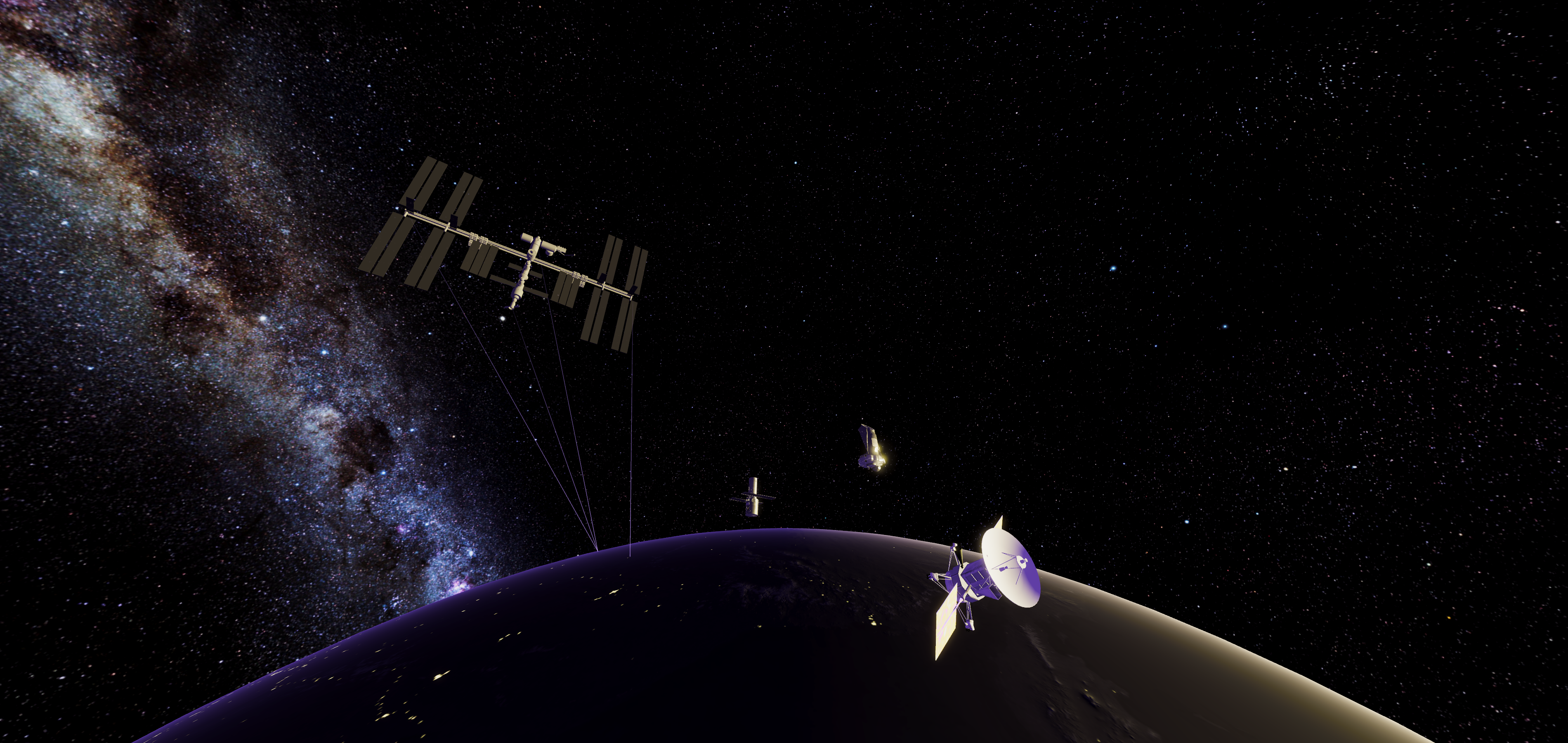
Description & notes
The KINETARIUM automatically starts with this content. The intro can be used to familiarize visitors with the interaction in the dome.
The sequence can be placed before games such as soccer, so that visitors can get to know the controls and test the login.
Controller
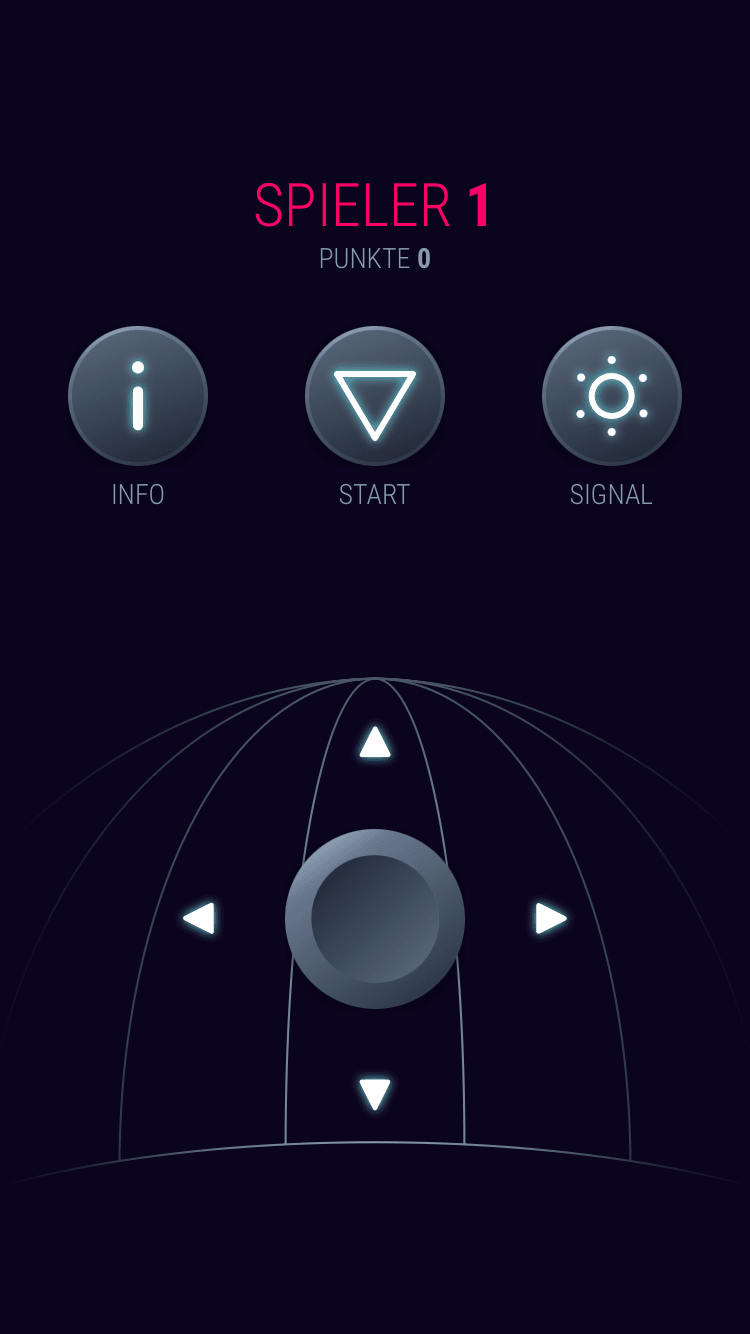
Player number – The respective rocket with this number on the dome.
Player color – The color in which the lettering is displayed corresponds to the color of the player’s rocket.
INFO – Displays the info about the control again.
START – Returns one’s rocket to the starting point at the zenith. This can be used especially well if you get lost.
SIGNAL – Your rocket lights up and produces a small firework of sparks. This is also handy when you get lost.
Joystick – Is used to control your rocket on the dome. The navigation is relative to the dome: Steer upwards to the zenith, downwards to the horizon. Steering to the right or left you can circle the dome. Orientation is easier if you fly into the area directly in front of you.